

Assign a Team
Assigning the right teams in an incident can be critical to getting the right eyes on the issue. See how FireHydrant can automate this via Runbooks.
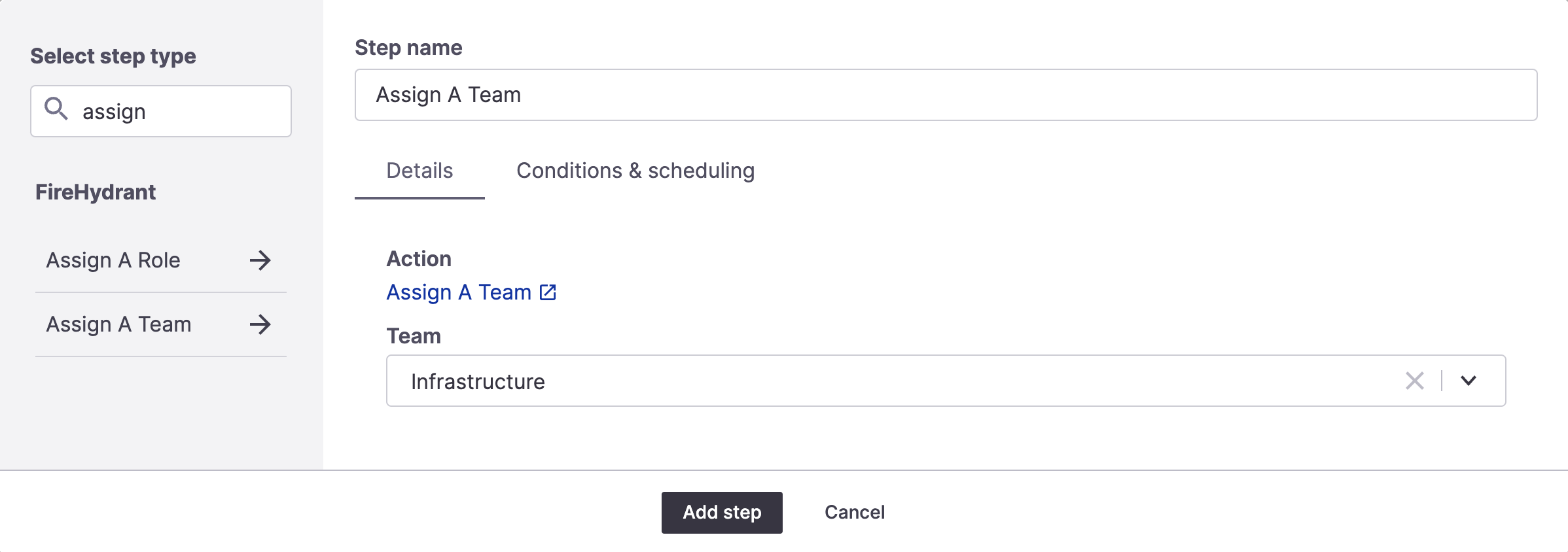
Assign a Team Runbook step
In addition to assigning roles, you can also assign entire teams of people to an incident via Runbook automation.
Prerequisites
This requires having at least one team configured.
Adding the step
To add the step, edit a Runbook and look up the "assign a team" step.
This step has a single field to select which team should be assigned to this incident. When executed, this will pull in all the designated individuals on the team and assign them to any default roles if configured.
This will also automatically pull all these people into the incident Slack channel.
Team members with a read-only organization role, such as Viewer, can't hold a default incident role. If the step shows as failed, change that member's organization role in User Administration or remove their default incident role from the team. You'll also see an error if you try to give a read-only user a default incident role when you set up a team.
Updated 18 days ago